Part 3:
If everything went fine in Part 1 & 2, you must now have a
1. free .co.cc domain like mydomain.co.cc
2. free Hipatic Hosting with a domain like myusername.hipatic.0lx.net
In this part we will use netcraft.com to know the A name of your Hipatic free Hosting
myusername.hipatic.0lx.net
Goto http://netcraft.com
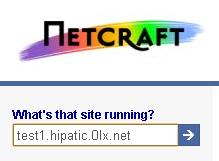
Enter your myusername.hipatic.0lx.net free hosting site name. This is what you signed up for in step 2. (Replace test1 in the image with your username.) Press Enter
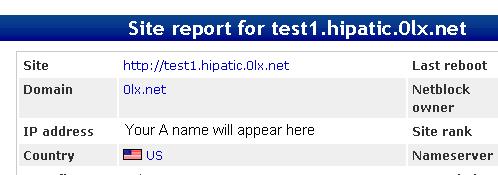
A new window will open with this report. In that look for the IP address which will appear in the place of the text Your A name will appear here. It will be in the form of xxx.xxx.xxx.xxx eg 202.76.213.2
Make a note of this IP address which we will use as our A name in the next step